
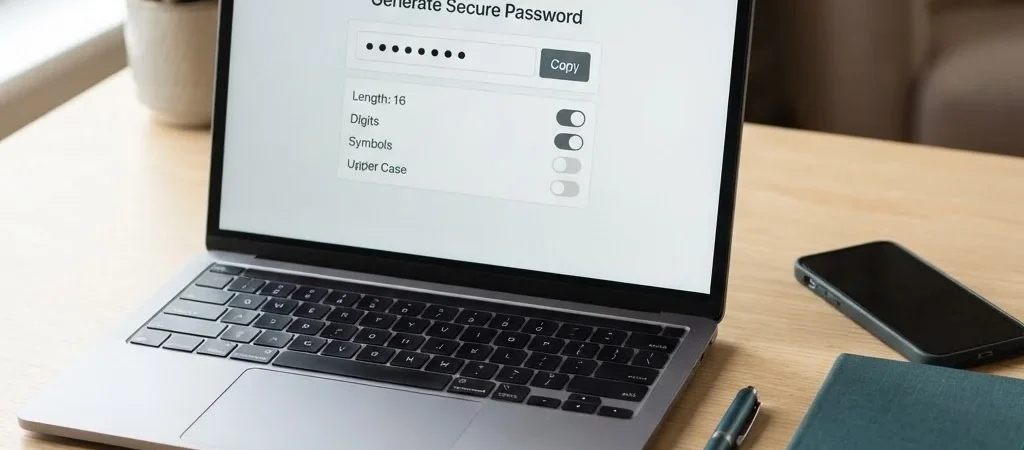
You’re setting up a new account, the password box is waiting, and it’s tempting to add a number to the password you already use. Resist that shortcut. A unique password for each account helps keep one compromised login from becoming a key to several others.
Start with a fresh password
Use a password generator to create a random password instead of adapting a familiar one. TABAIX’s free browser tools run without signup, so you can get to the task without another account to create. For important accounts, make the password long and use a different one for every login.
Give it a safe place
A generated password is only useful if you can retrieve it when you need it. A reputable password manager can store unique logins and fill them in for you; choose one with account protections you understand and are comfortable using. Don’t leave passwords in an unprotected note or reuse one because it’s easier to remember.
Protect the accounts that matter
Start with your email account, since it may be used to reset passwords for other services. Turn on multifactor authentication where it’s available, and save recovery codes somewhere secure and separate from your everyday device. The useful habit is simple: generate a fresh password, store it safely, and move on.